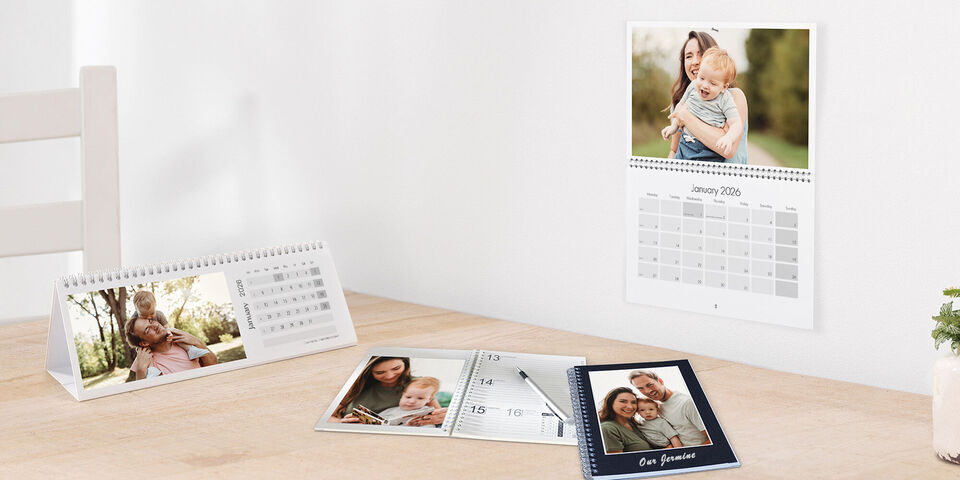
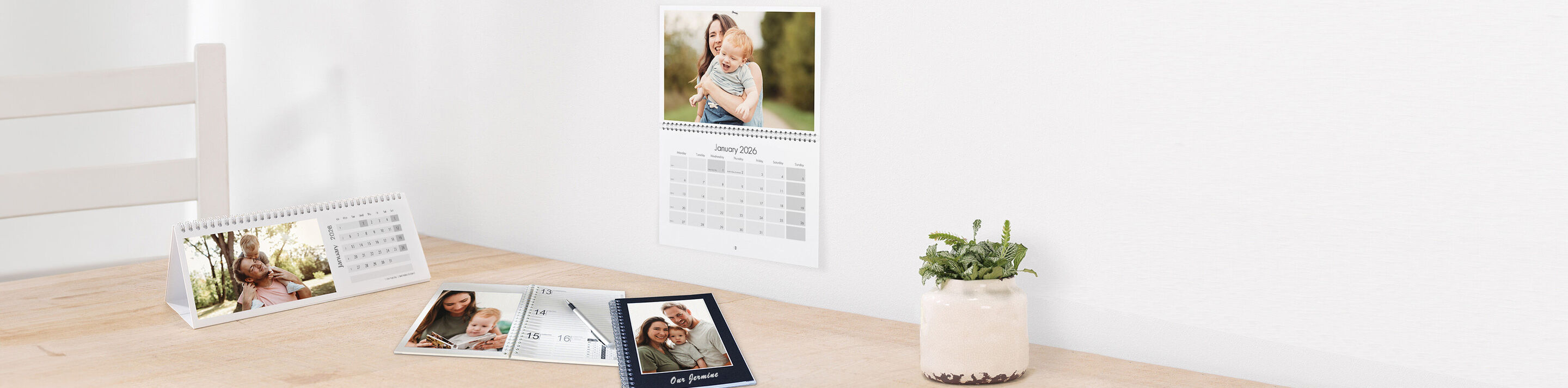
Personalised monthly planners 2026
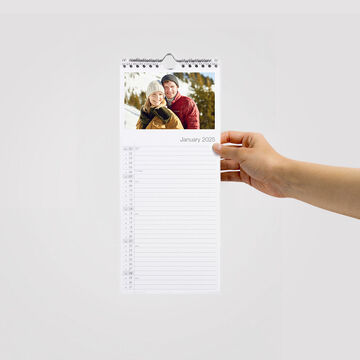
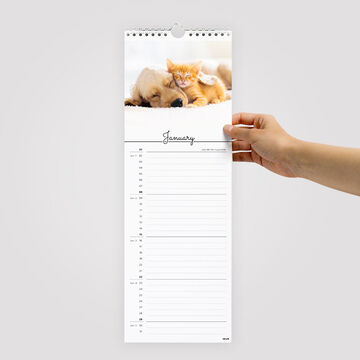
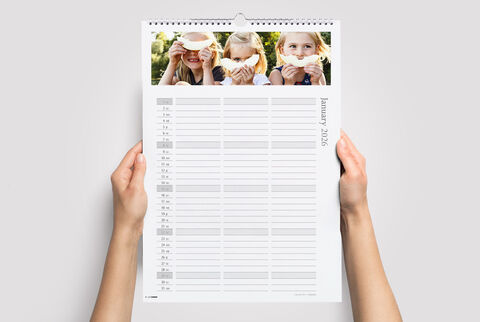
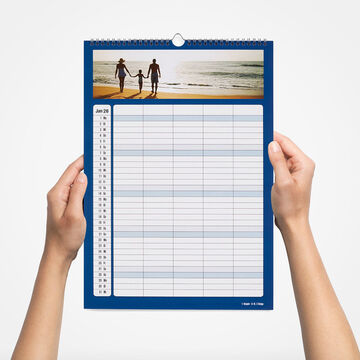
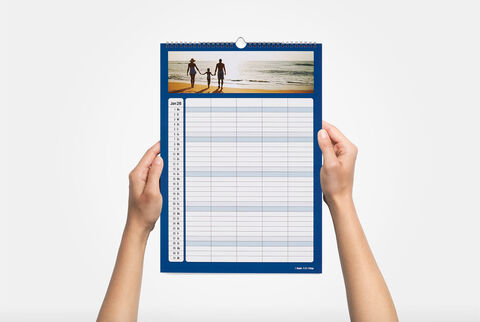
Never miss a date, birthday or event with calendars that include enough space to write down your family plans every day.
CREATE NOW

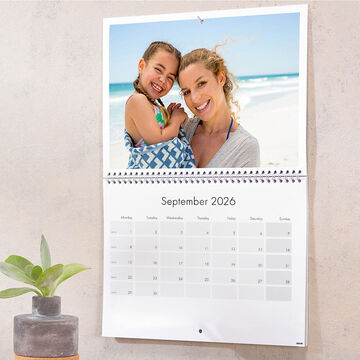
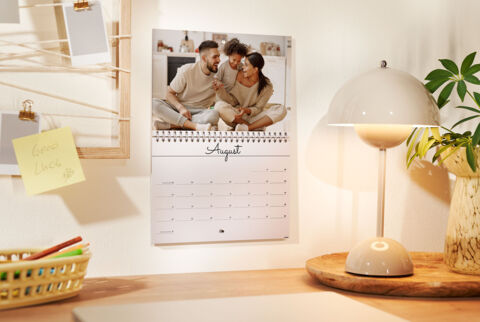
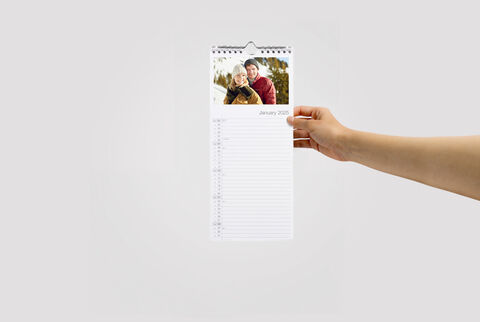
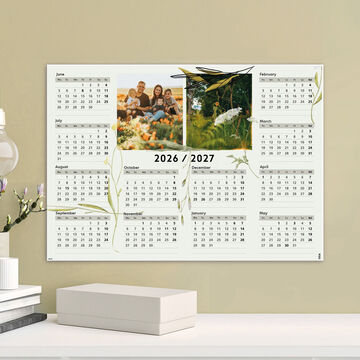
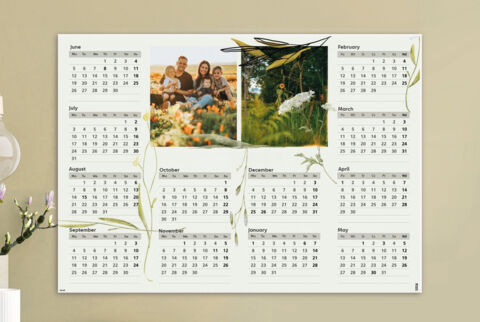
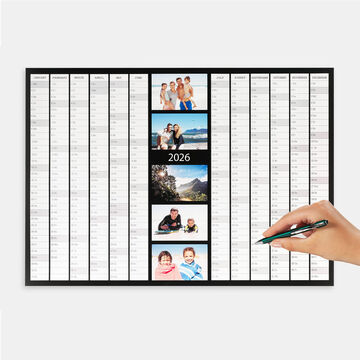
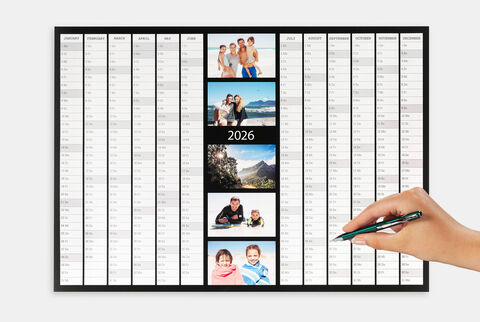
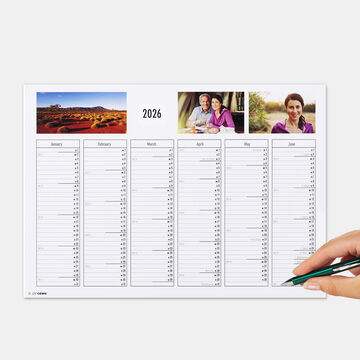
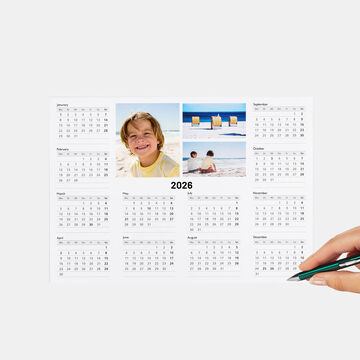
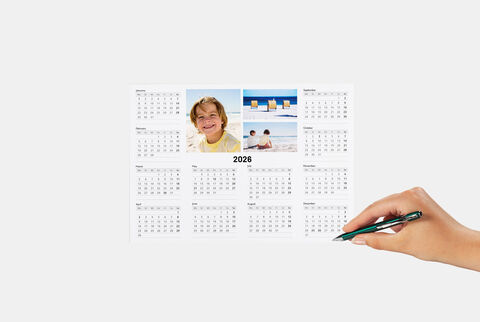
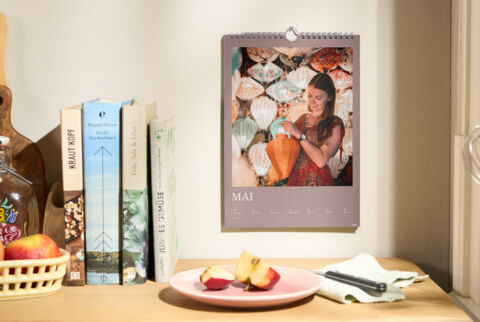
Photo calendars that bring your memories and everyone’s schedule in one view
Create a stunning display and never miss an appointment or deadline.


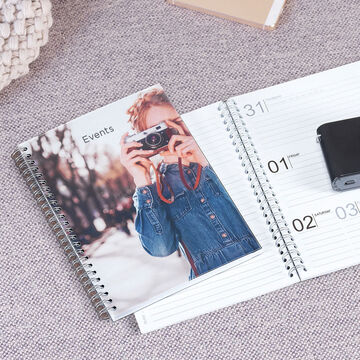
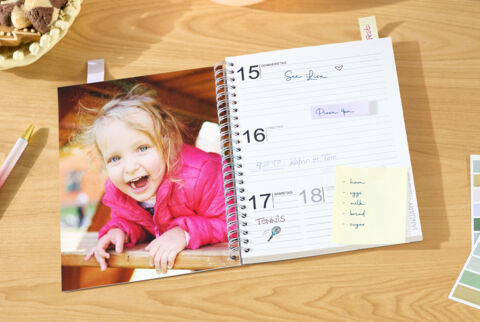
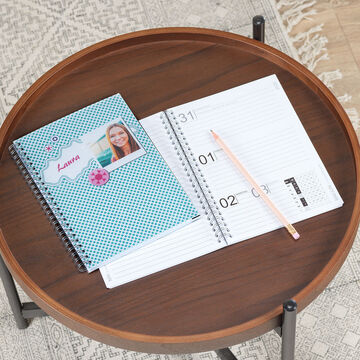
On-the-go organisers and diaries
Design your own practical companion in a handy A5 size
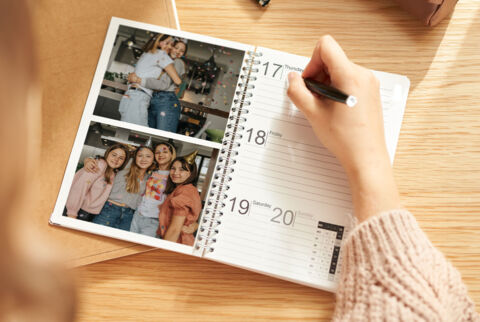

Browse our full calendar collection


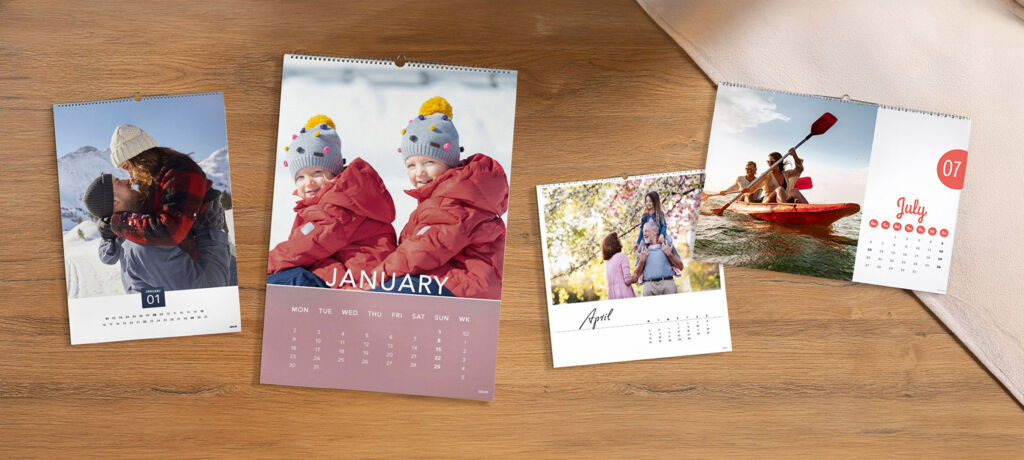
Premium customisation options
Create a Photo Calendar as special as your memories with these elevated extras
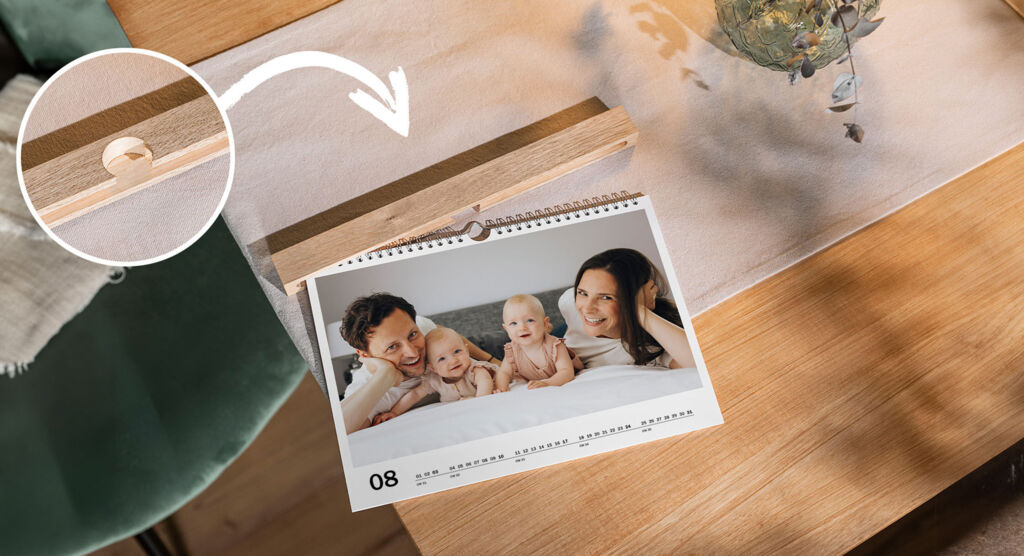
Beautifully display your calendar
This contemporary wooden cover is the perfect way to give your cherished photos an even more timeless touch. Crafted from the finest FSC® certified wood, it effortlessly slides onto the top of the calendar so you can artfully display in your home.
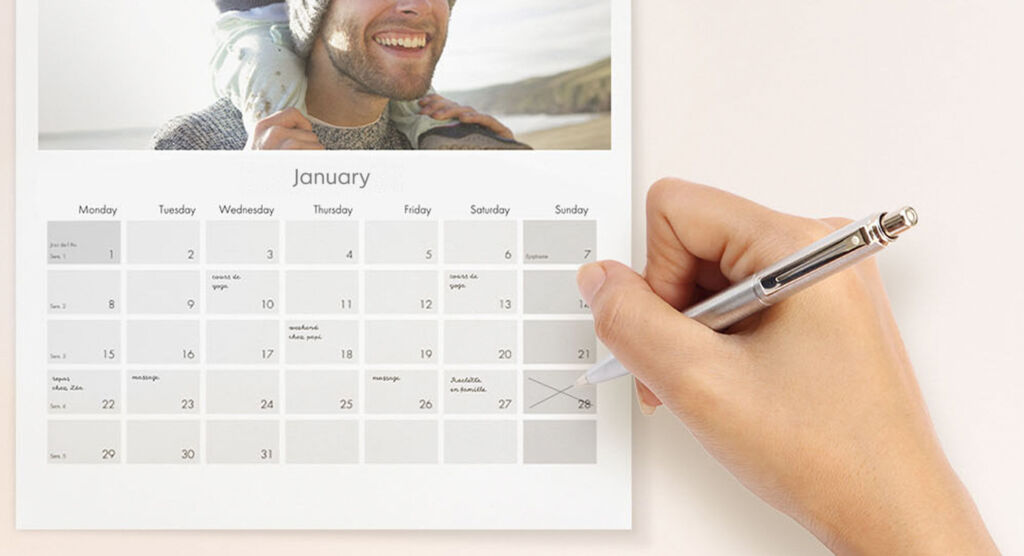
Upgrade to True Matte Paper for the best paper to write on
With True Matte Paper it is easy to write onto the planner. Its textured finish is ideal for making all your notes or date-circling, and its thickness will help your pen glide smoothly on the surface.
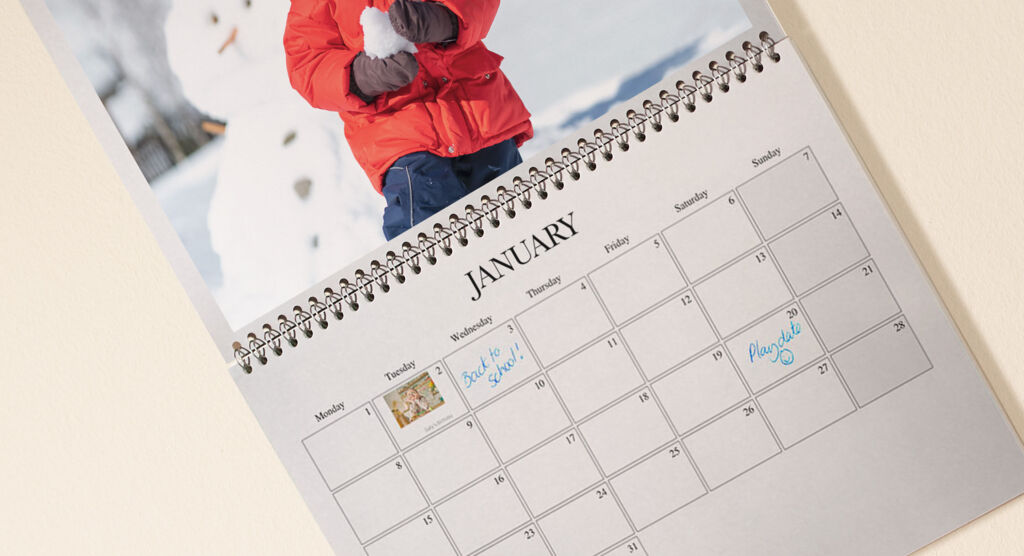
Mark special days with photos and videos
Populate your planner with key dates, birthday dates and even photos within the date planner boxes when designing your calendar within the CEWE Creator Software.
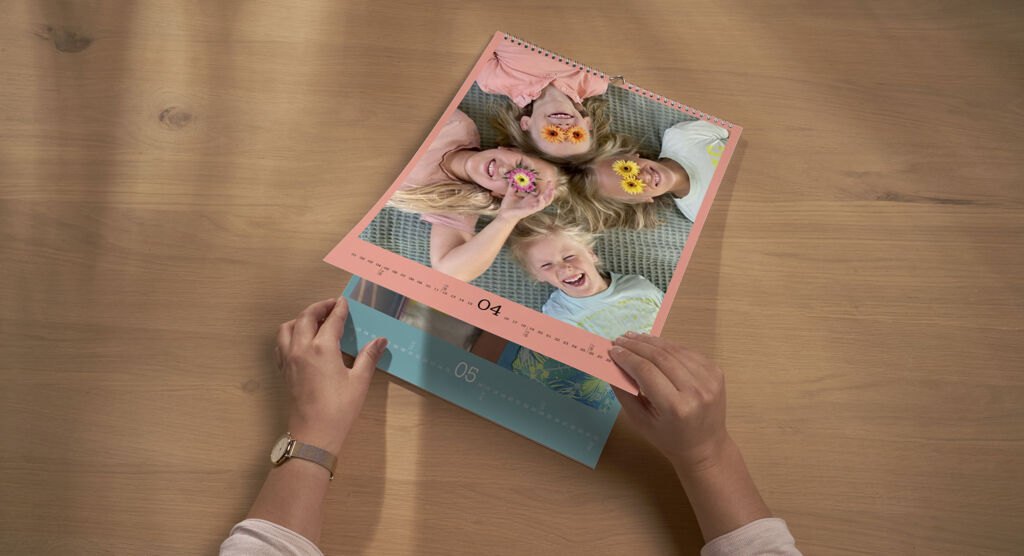
Choose your own start month
Pick any month to start your calendar on for year-round planning convenience. Whether you’re planning for personal schedules, school terms or you’re ordering long after January, you’ll always have flexibility in planning and organising with a CEWE calendar.
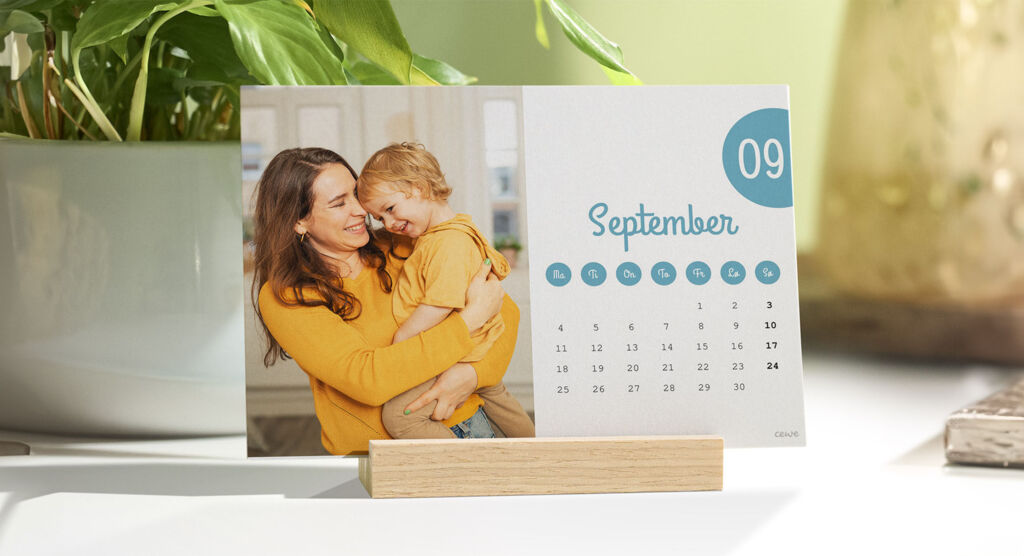
Discover the sustainability of our Photo Calendars
Our groundbreaking 100% recycled paper is the perfect blend of beauty and sustainability. Made responsibly from recycled pulp, it boasts a brilliantly white base which enhances print fidelity, bringing out the best in your photos. Available for A4, A3 and A2 Wall Calendars.
Create and order your perfect 2026 calendar
Order via our software, mobile via our app or directly in your browser.
Why choose CEWE?


What our customers think about us
Questions you may have about Monthly Planners
How is a monthly planner different from the other wall calendars?
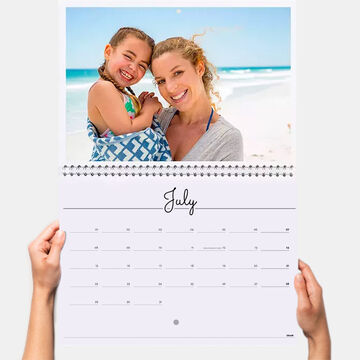
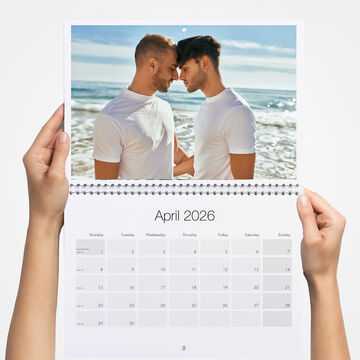
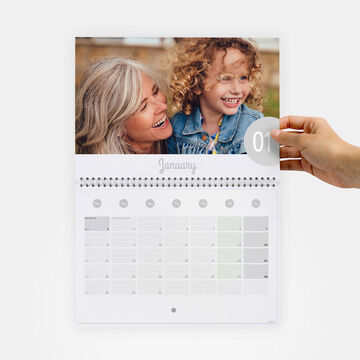
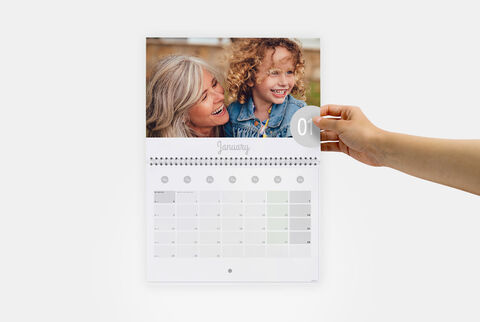
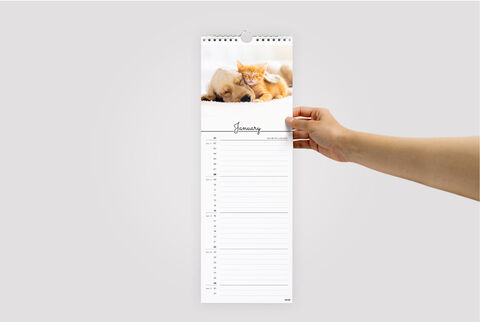
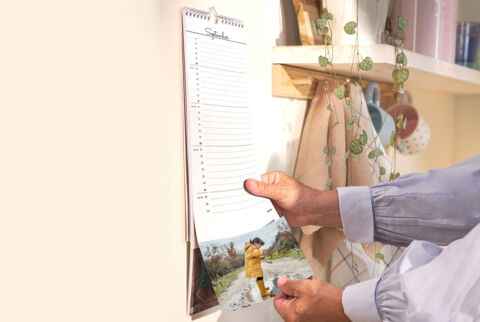
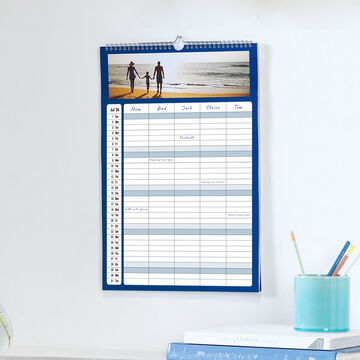
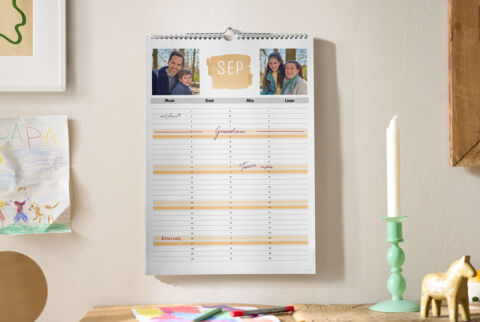
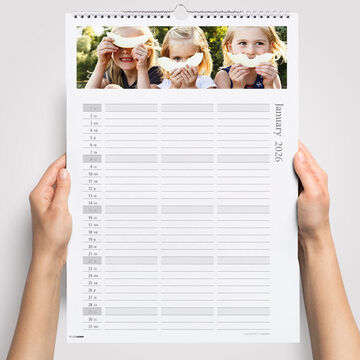
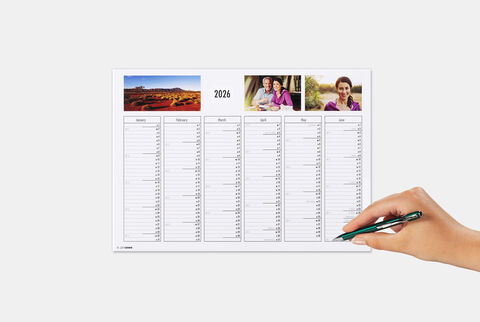
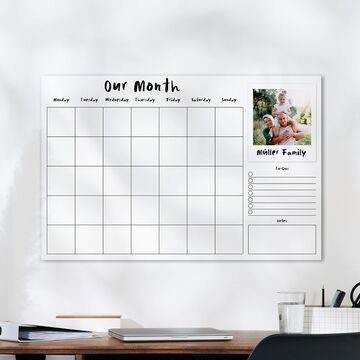
A monthly planner differs from the regular wall calendar as it’s designed to make it very easy for you to organise and schedule tasks, events, and appointments on a monthly basis. It typically provides larger date boxes for each day, allowing you to write detailed notes and plans for specific days.
How can I create a personalised monthly planner with photo for my wall with CEWE?
Our recommendation is to use the free CEWE Creator Software to create, edit, save and order your calendars, as you will have the widest range of designs and features available to you. You can also create a calendar directly online, or via the free mobile app.
Do you have a discount for buying multiple calendars?
Yes! You can create the perfect personalised Photo Calendar for everyone in the family with our multibuy deal. Enjoy 5% off when you buy two or more calendars or 10% off when you buy five or more calendars.
T&Cs: Terms & Conditions: This offer entitles you to save 5% off when you buy two or more calendars or 10% off five or more calendars. Calendars must be the same size, format and paper type to qualify. Discount automatically applied in the basket. Excludes premium design templates and any add-on supplements. Postage and Packaging charges apply. Offer is subject to availability, and available on cewe.co.uk for online orders, via the CEWE App and the CEWE Creator software. Offer is valid for customers ordering in the United Kingdom only.
How do I hang a monthly planner?
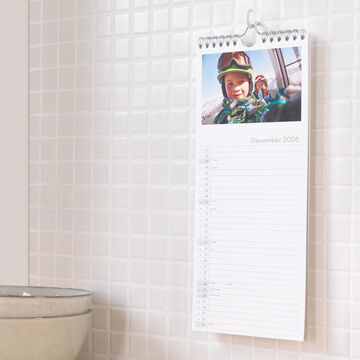
Hanging a wall calendar is very easy! For smaller wall calendars, using temporary adhesive hooks will save you getting the drill and screwdriver out. For larger calendars, it is recommended to hang them on a well placed wall screw to ensure they are secure.
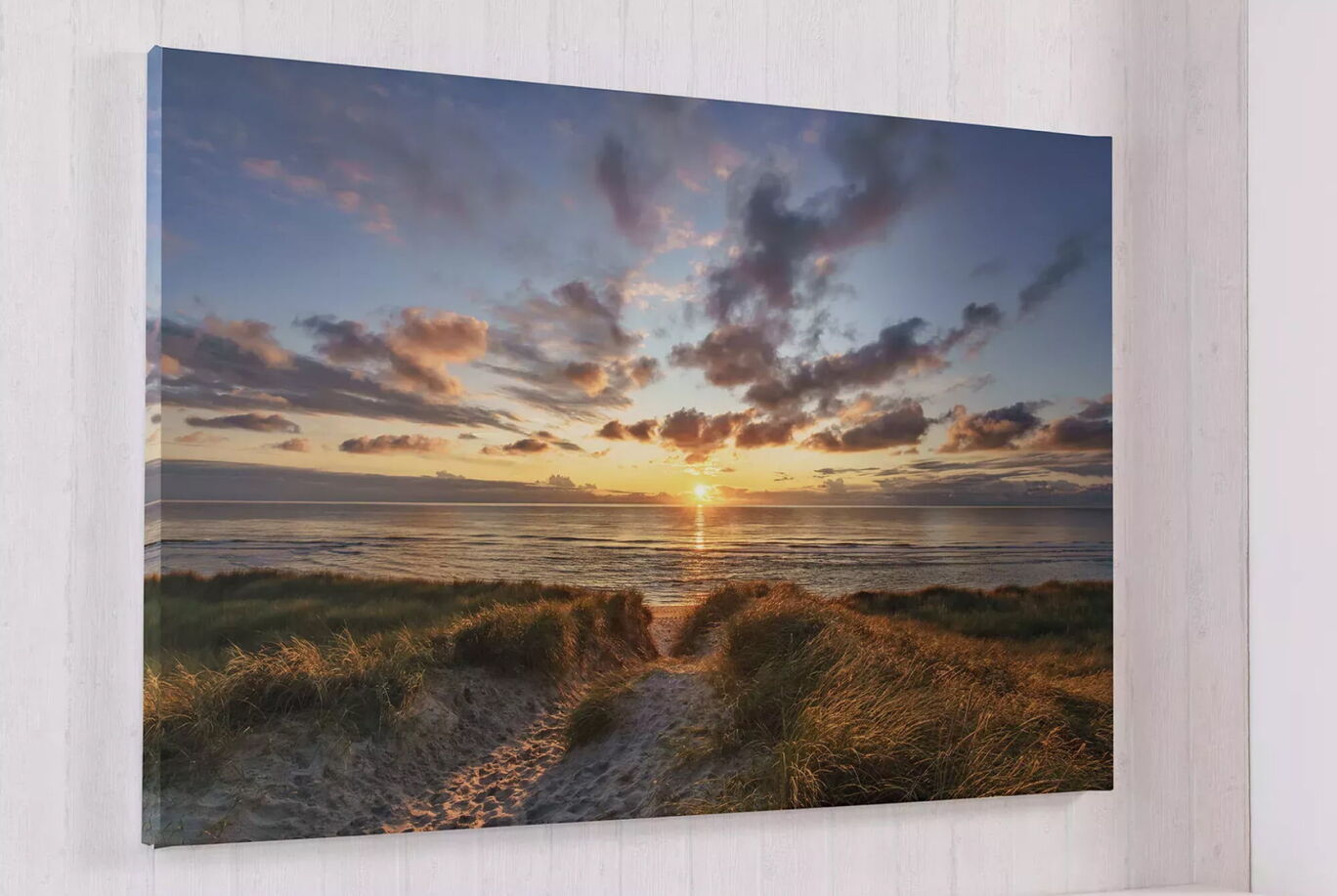
What's more, A4, A3 and Large Square wall calendars can be easily transformed into a piece of wall art with a wooden cover. Simply choose this optional extra when you come to create your design.
Can I add images and text to specific dates in my monthly planner?
Personalising a CEWE wall calendar such as a monthly planner is easy and can be done online or through the CEWE Creator Software. You can choose a starting design and easily drag and drop your favourite photos into each month. Text can be added to every month, or to specific dates, depending on the calendar style you choose. We recommend a Double Page Calendar or a Family Calendar if you want to add text specific dates too.
You may also love…

Be the first to know about new products, competitions and inspiration.
- Plus, receive a 10% welcome discount on your first CEWE PHOTOBOOK.
Please check your email
We have sent you an email with a confirmation link to complete your registration.
Please confirm your subscription by clicking the link in the email you will receive shortly.
You can cancel your subscription at any time by clicking the unsubscribe button, or by changing your preferences in your Account.
We're sorry
Unfortunately, an error has occurred
Unfortunately, we were not able to sign you up for our newsletter. Please try again later.


Planning photo calendars for organised homes
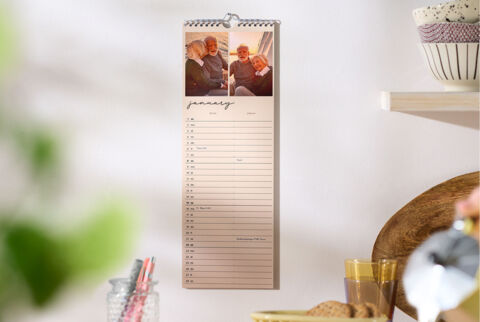
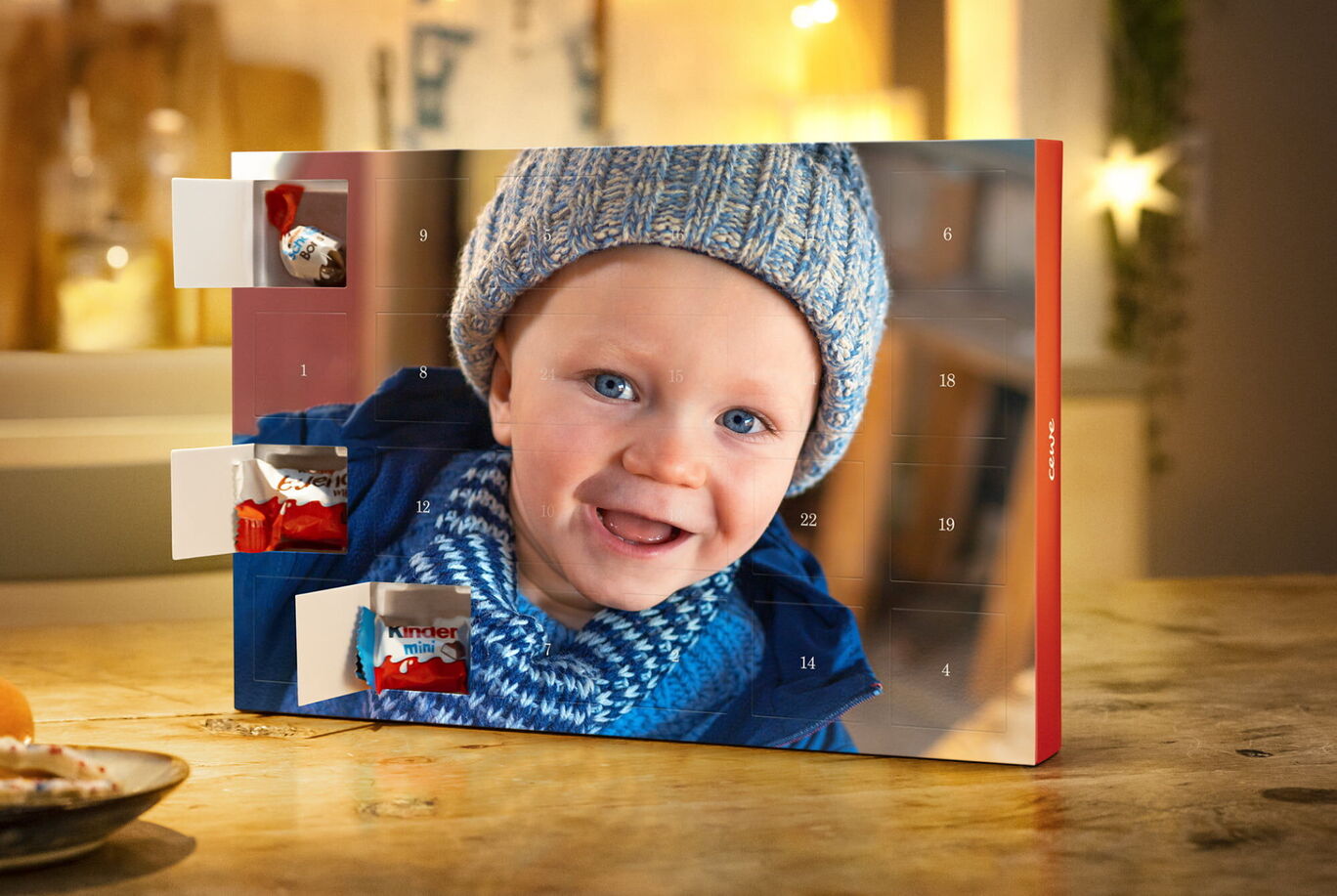
An appointment calendar with your photos on it